Demo Scenario
Suggested Flow
Section titled “Suggested Flow”1. Show repository and build
Section titled “1. Show repository and build”- show the repository structure briefly
- run
make - run
make bonus - confirm the binaries:
./cub3D./cub3D_bonus
2. Launch a valid mandatory map
Section titled “2. Launch a valid mandatory map”- run
./cub3D tests/mandatory/validation/good.cubor another known-good mandatory map from the repository - confirm that:
- the window opens
- the world is rendered
- startup does not crash
3. Explain controls and movement
Section titled “3. Explain controls and movement”Demonstrate:
WandSfor forward and backward movementAandDfor strafe- left and right arrows for rotation
F1,F2,F3for runtime resize presetsESCfor clean exit
Mention that collision prevents wall crossing.
4. Show validation failures
Section titled “4. Show validation failures”Run two or three quick invalid cases:
- wrong extension
- invalid texture path
- invalid or open map
Show clean Error\n... handling and no uncontrolled crash.
5. Demonstrate bonus features
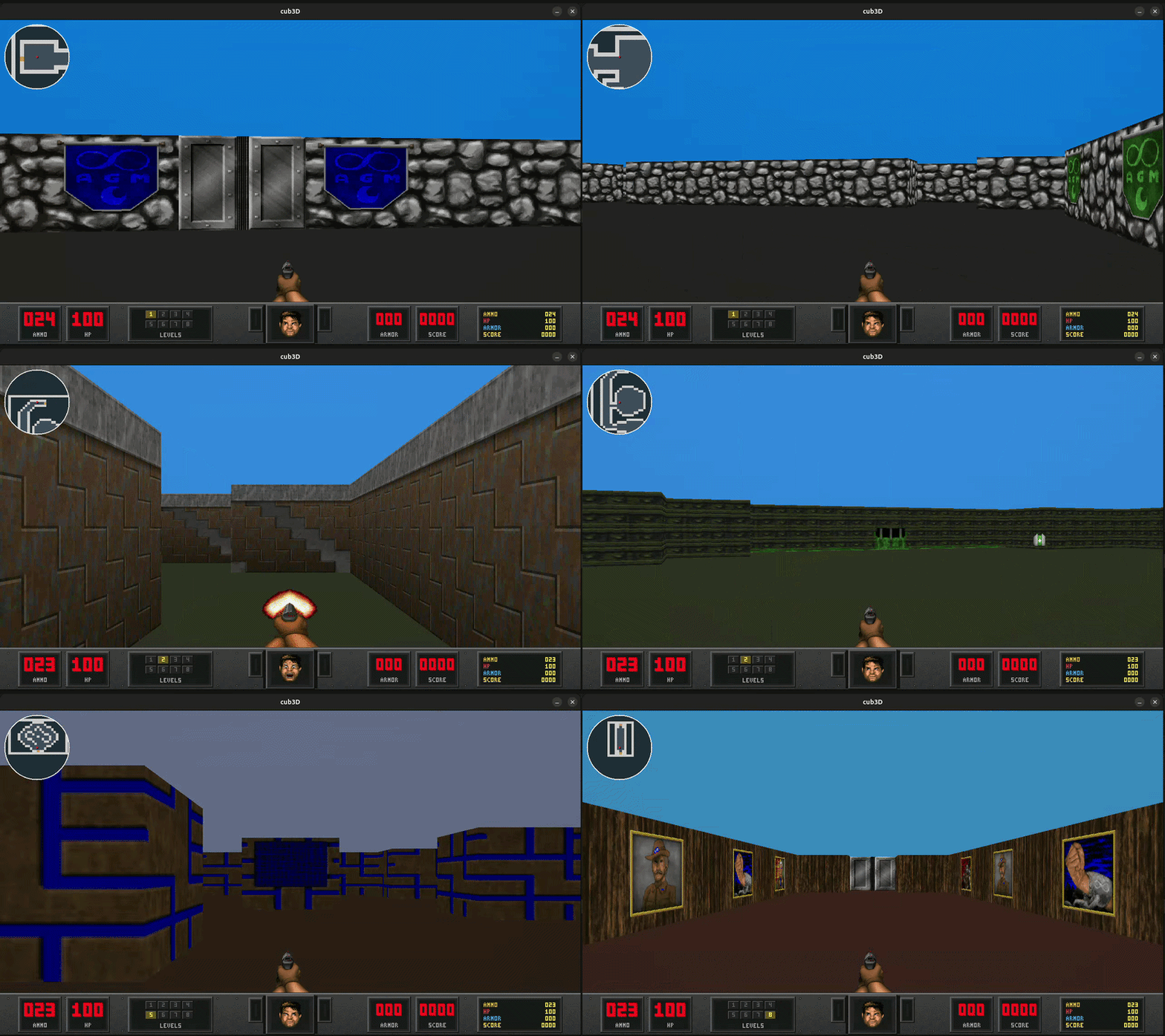
Section titled “5. Demonstrate bonus features”Run ./cub3D_bonus tests/bonus/retro_small.cub or ./cub3D_bonus maps/bonus/level1.cub.
Show:
- minimap and zoom
- door interaction with
E - mouse look
- pickups and HUD updates
- sprite visibility and occlusion
- next level trigger with
F4if available
Important note:
- if the defense machine has no valid X11 session, valid runtime demos can fail at
mlx_init, so keep one parser/error-handling scenario ready independently from the graphical demo
Defense-Ready Sequence
Section titled “Defense-Ready Sequence”- run
makeandmake bonus - launch mandatory mode, show controls, then exit cleanly
- launch one invalid map and show controlled failure
- launch bonus mode and demonstrate minimap, door, pickup, and HUD
- exit cleanly